
Knowledge Base
Articles In This Section
How to Automatically Import CSV Files into Quickbase Using SyncHow to Use Google Maps for Data VisualizationHow to Create High-Quality Quickbase Forms10 Quickbase Application Best Practices How to Use Formulas + Webhooks for Dynamic Quickbase Record CreationHow to Set Up Notifications in Quickbase How to Log Quickbase Emails using WorkatoHow to Automate PDF Data Extraction into Quickbase Using Docparser & WorkatoQuickbase Developers’ Guide: Webhooks 101 | BEGINNERQuickbase Home Pages: Uses and Functionality | INTERMEDIATE TO ADVANCEDHow to Implement a Custom Import in QuickbaseSections
How to use the Quickbase Power BI connector
Microsoft Power BI is a business intelligence platform on which you can aggregate and analyze by creating visualizations that you can share. The Quickbase connector is available on the Power BI desktop and enables you to access all of your Quickbase data directly from within the Power BI interface (table navigator) to quickly create powerful reports and visualizations. After you connect to your Quickbase data from Power BI, you can also merge it with data from other tables and sources to create even deeper insights.
Important Consideration: The Quickbase Power BI connector can quickly process large data sets. However, we recommend streamlining the report columns and records filters for the best application scale and performance to ensure that you load only the necessary data into Power BI. You should use the List All reports option sparingly.
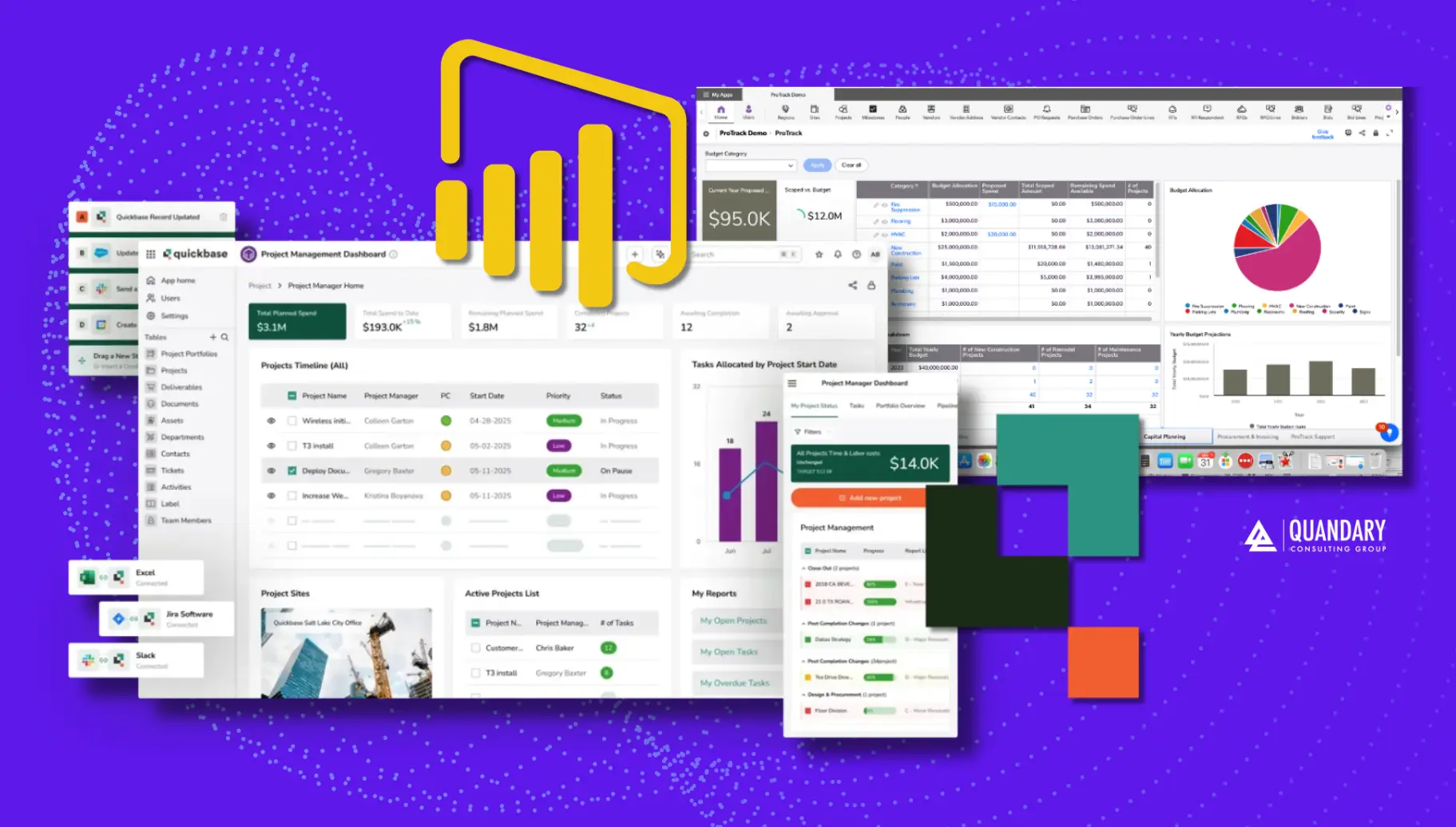
Key Quickbase Power BI connector features and functionality
The Quickbase Power BI connector provides the following functionality:
- Authenticates with specified Quickbase applications by using user tokens
- Connects exactly to the correct Quickbase data by using pre-built reports in the Quickbase app
- Quickly refreshes both large and small data sets from Quickbase
- Automatically updates both data and report columns. As you add columns to your reports in Quickbase, the native Power BI refresh feature updates the changes.
For example, you can use these features to add power to the following Quickbase use cases:
- Create and share report and chart types that are not supported by native Quickbase
- Merge data from multiple sources to analyze processes that span across multiple systems
- Convert timestamps to dates and times that are easy to read
- Use native Quickbase address fields to create map and geographic information system (GIS) reports
How to use the Quickbase Power BI connector
To use the Quickbase Power BI connector:
- Using Power BI, select Get Data and provide an application URL and a user token to access the data within the app.
Use the URL format of realm.quickbase.com/db/qbstnmaus, instead of realm.quickbase.com/nav/app/qbstnmaus/action/appoverview - Power BI displays a list of tables within the app, and all of the table reports within those tables.
- You can select one or more reports from the app's available tables.
- You can now create your own visualization to analyze the data in Power BI.
How the Quickbase Power BI connector interprets your data
The connector supports reports containing report formulas. It also handles Quickbase data in the following ways:
- Ask the user reports are omitted to prevent confusion
- Record ID# fields are formatted as integers
- Checkbox fields are formatted as Boolean and will display as TRUE/FALSE within Power BI
Booleanvalues can be one of two values:trueorfalse, representing the truth value of a logical proposition.
- Durations are converted to days instead of the native API response of milliseconds
How are Quickbase Power BI connector reads calculated?
When pushing data to PowerBI, how are reads calculated? The calculation is consistent with how APIs are billed across Quickbse. The Power BI connector chunks data (a normal web practice).
This process is dynamic and depends on the pagination of the particular data set, and queries with more/complex fields will return fewer records per page (using an API call) and will therefore require more calls to return the same number of records. Each API call is considered a read.
Here’s a basic example, but keep in mind that in reality, it’s all dynamic based on the complexity of the data involved. For example:
- 1,000 records w/ 40 fields = 5 reads (200 recs each)
- 10,000 records w/ 10 fields = 10 reads (1,000 recs each)
Limitations to the Quickbase Power BI Connector
The following limitations exist for the Quickbase Power BI connector:
- User fields are returned as user IDs. You must create a text formula for each user field to convert to an easily readable field.
- Rich text and formula-rich text is rendered similarly to HTML markup. For details about how to convert text to HTML within the Power BI connector, click here.
- These field types are not supported and are returned 'as is' through API responses: vcard, ical, report link, and file attachment.
- Dates and date/times originate from the UTC time zone. Use power query or DAX functions to convert to your preferred time zone.
- Tables containing duplicate column names generate an error. This typically occurs when you create a lookup/summary field that has the same name as an existing field in the table.


Industries
Resources


© 2026 Quandary Consulting Group. All Rights Reserved.
Privacy Policy